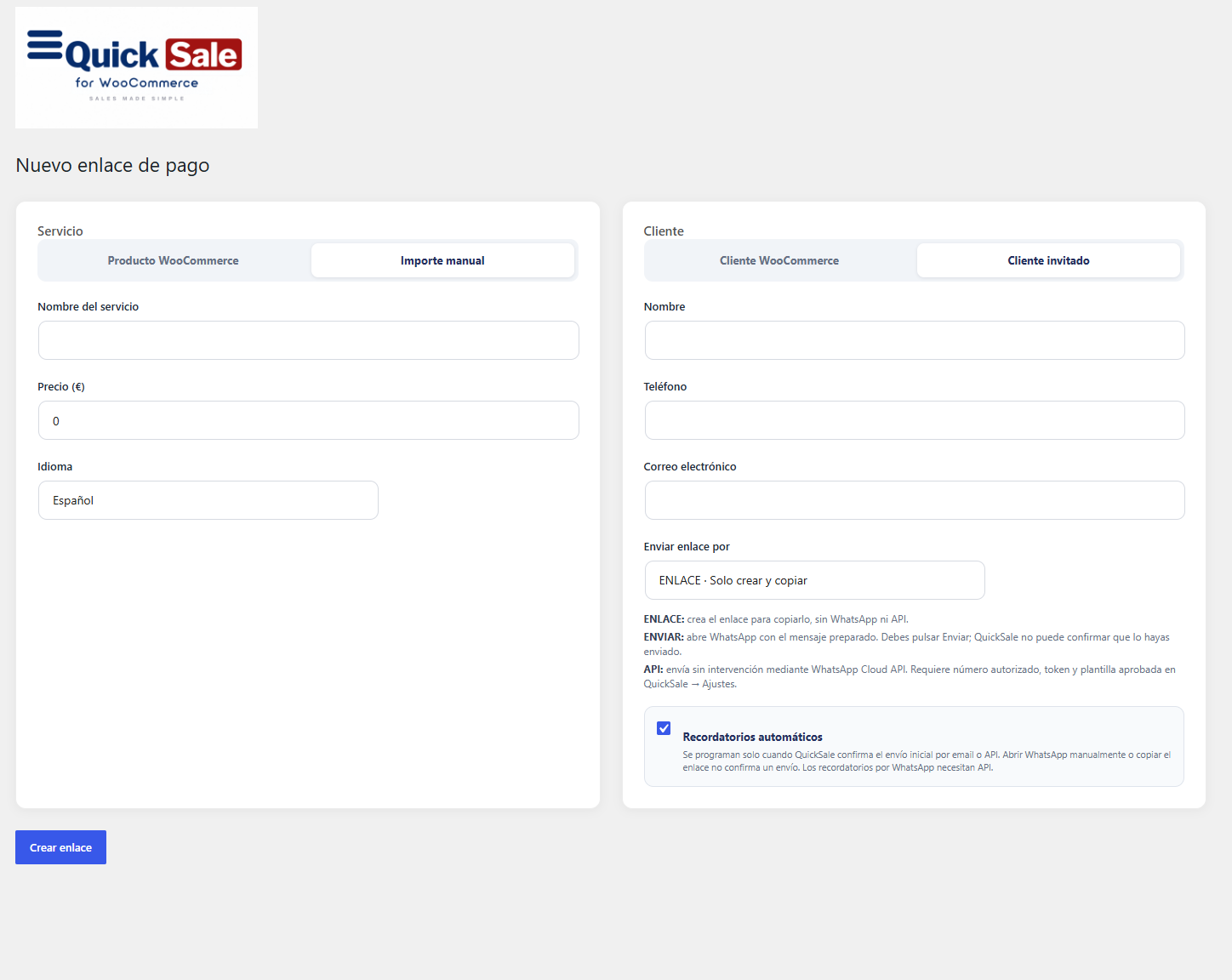
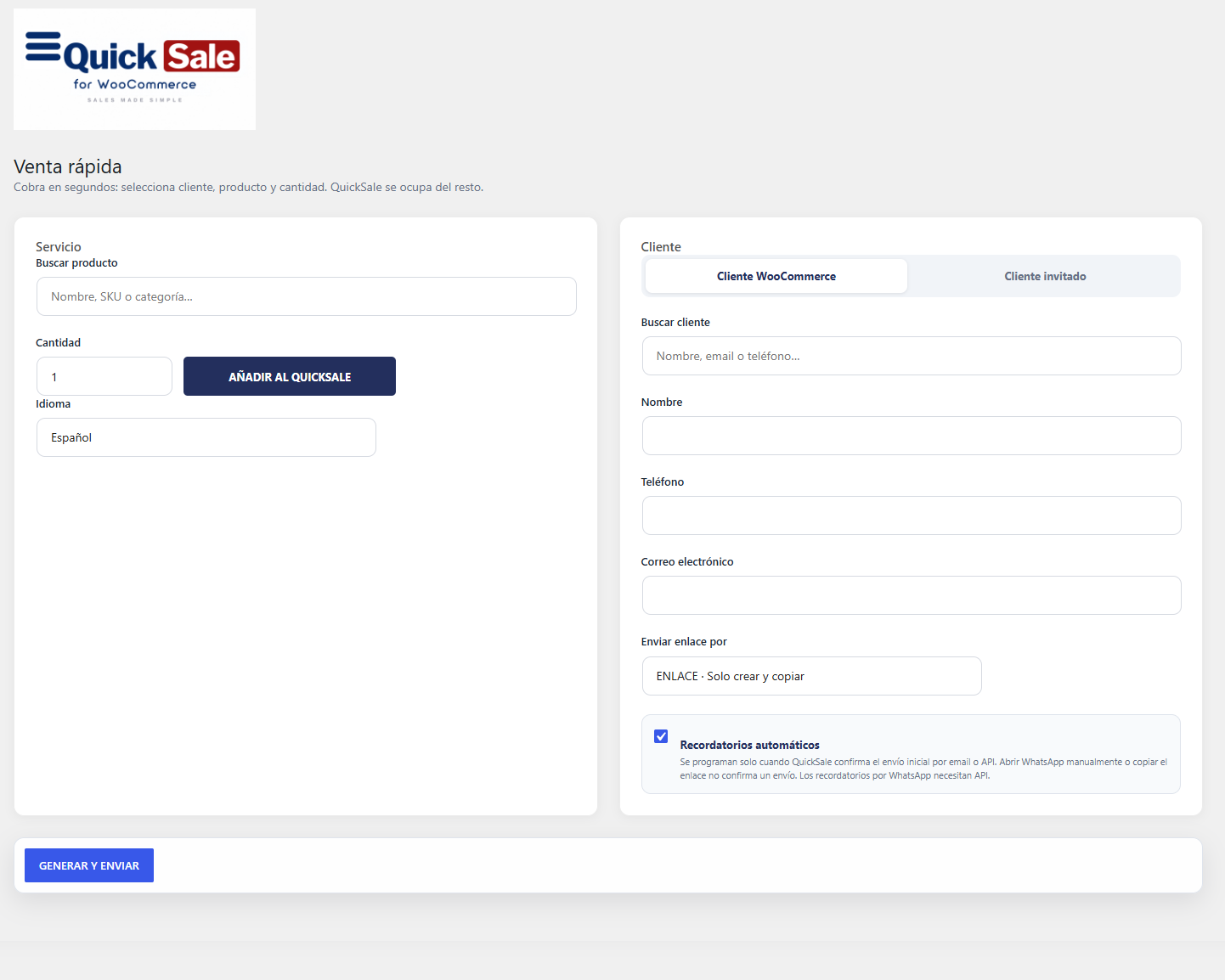
Choose WooCommerce products, add multiple items or enter a custom amount. Select your customer and prepare the link in seconds.
02 · SHARE
Send it by email or WhatsApp.
Share the payment link through email or your configured WhatsApp workflow. Customers can open the link and complete payment.
03 · FOLLOW UP
Let reminders do the follow-up.
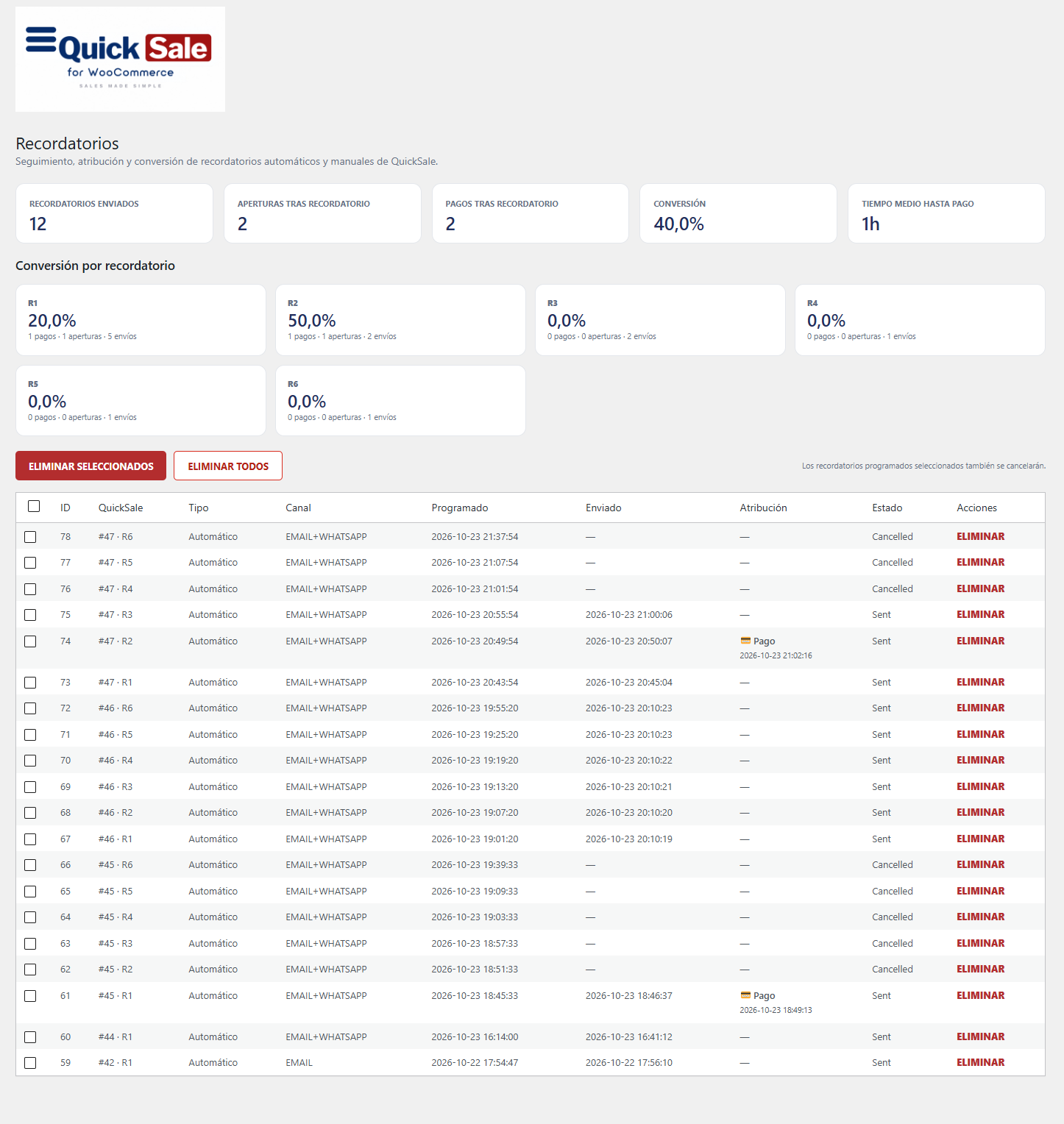
Schedule reminders for outstanding payments, review delivery activity and avoid losing track of open requests. WhatsApp automation requires your own Meta credentials and approved templates.
04 · TRACK
Know what happens after sending.
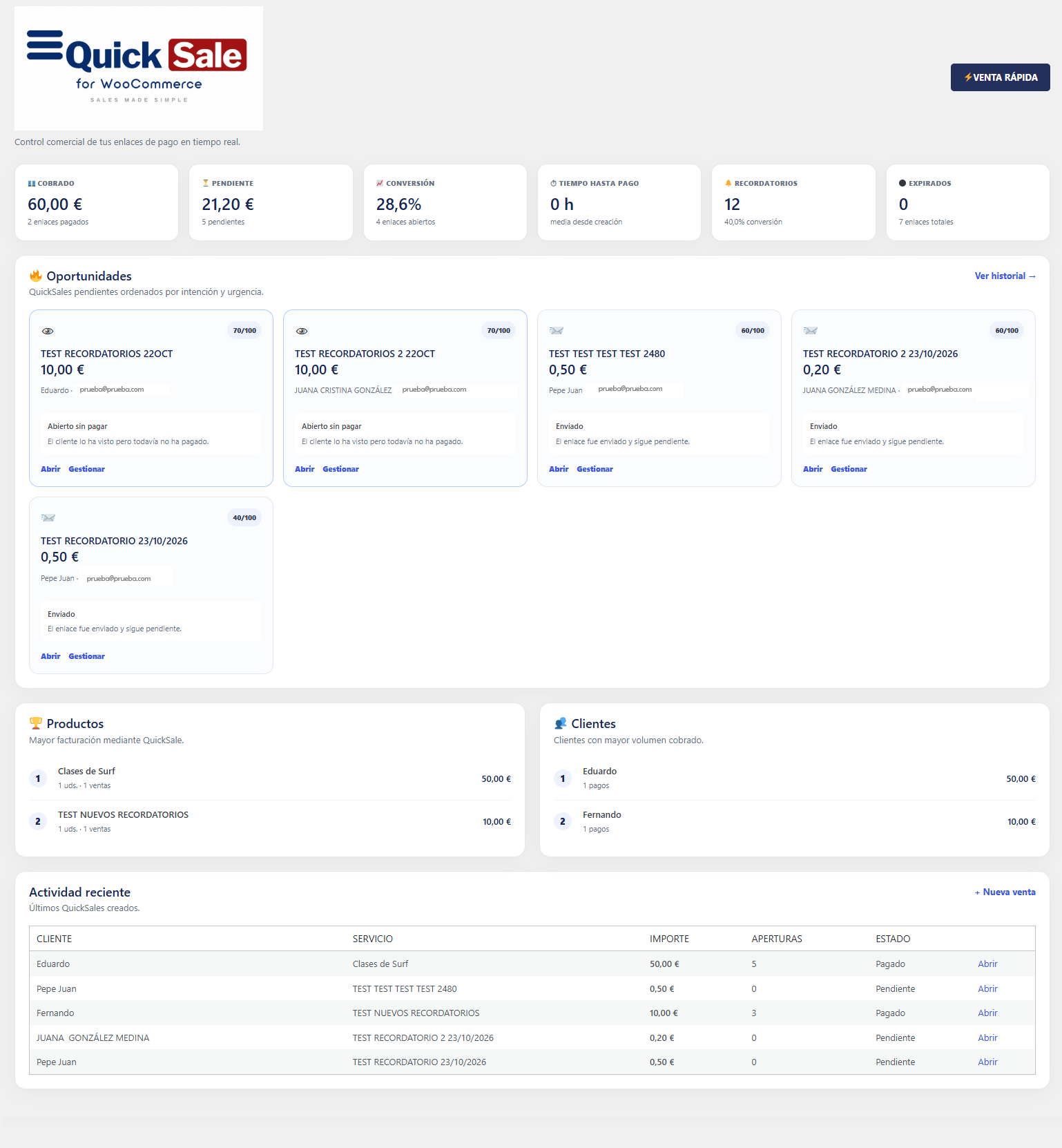
Review requests, activity and payment outcomes from your QuickSale dashboard. Keep payment status connected to WooCommerce.
MULTILINGUAL COMMUNICATION
Ready for three languages.
QuickSale includes Spanish, English and German communication templates. Choose the language that suits each customer.
🇪🇸 Español 🇬🇧 English 🇩🇪 Deutsch
READY TO GET STARTED?
Spend less time chasing payments.
Bring payment requests, reminders and tracking together inside WooCommerce.